What Should a CRM for Wedding DJs Actually Do?
A CRM for wedding DJs should catch every inquiry, chase the retainer without awkwardness, collect the song list on time, and run the night from one timeline.
Published 16 min read
In short
A CRM for wedding DJs should do five jobs well: catch every inquiry in one place, answer fast, turn a yes into a signed contract and a paid retainer, collect the music brief on time, and run the night from one timeline the couple can see. If it does those, the DJ books more Saturdays and spends less of the week chasing forms, song lists, and balances.
A CRM for wedding DJs should protect the two things a DJ runs on: the Saturday, and the pipeline that fills it. What should a CRM for wedding DJs actually do? It should catch every inquiry in one place, answer while the couple is still deciding, turn a yes into a signed contract and a paid retainer, collect the music brief on time, and run the night from one timeline the couple can see. I have seen DJs lose bookings in the gap between those jobs, and none of them lost the booking over the music.
Why do wedding DJs outgrow inboxes and spreadsheets?
Wedding DJs outgrow inboxes and spreadsheets because the inquiry never arrives in one place, the decision never waits for office hours, and the night itself keeps moving: forms arrive late, song lists arrive as screenshots, and balances slip to teardown.
The Knot surveyed 10,474 couples who married in 2025 for its 2026 Real Weddings Study. 71 percent of couples hired a DJ, against 12 percent who hired a live band, and price was the primary decision factor for wedding music. The average DJ cost 1,800 US dollars, with a median of 1,600 dollars, a lower quartile of 800 dollars and an upper quartile of 2,700 dollars. A live band averaged 4,500 dollars, which is 150 percent more than a DJ. Every inquiry is worth real money, and every inquiry arrives while the DJ is busy playing someone else's wedding.
The reply is the first filter. WeddingPro's lead guidance says up to 50 percent of all bookings go to the vendor that responds first, and a couple followed up with within five minutes is nine times more likely to convert. Couples are nearly 40 percent more likely to respond when communication is consistent and frequent, and WeddingPro recommends keeping the first reply to about 150 words and following up on days 1, 3, 9, 14, 20, 26 and 30. A DJ who answers on Monday morning has already lost the couple who heard back on Saturday night.
Then the planning form becomes the bottleneck. The single most repeated complaint across DJ software pages and DJ company sites is that couples do not complete their planning forms until the week of the event, or at all. The form is where the night gets decided: must-play and do-not-play lists, ceremony songs, pronunciation guides, the entrance order and names, the timeline the DJ will actually run. When it arrives late, the DJ builds the night from memory and from texts. Song lists arrive as screenshots, YouTube links, and texts, sometimes the wrong version of a track, and sometimes a 300-song list for a two-hour set. Guest requests on the night add a second negotiation: the DJ has to filter each one against the couple's do-not-play list without killing the dance floor.
The money slips in the same way. A couple verbally books the date, then never pays the deposit, leaving the Saturday penciled in but unsecured. The usual structure in DJ contracts is a 20 to 50 percent non-refundable retainer at signing, most commonly 50 percent, with the balance due 14 to 30 days before the event. Final balances still slip to the night itself, and DJs end up asking the best man for a check while packing up speakers. Overtime agreed on the night and never paid is a named pain in the trade: the couple begs for one more hour, the DJ says yes, and collecting that money a week later feels petty, so it gets written off.
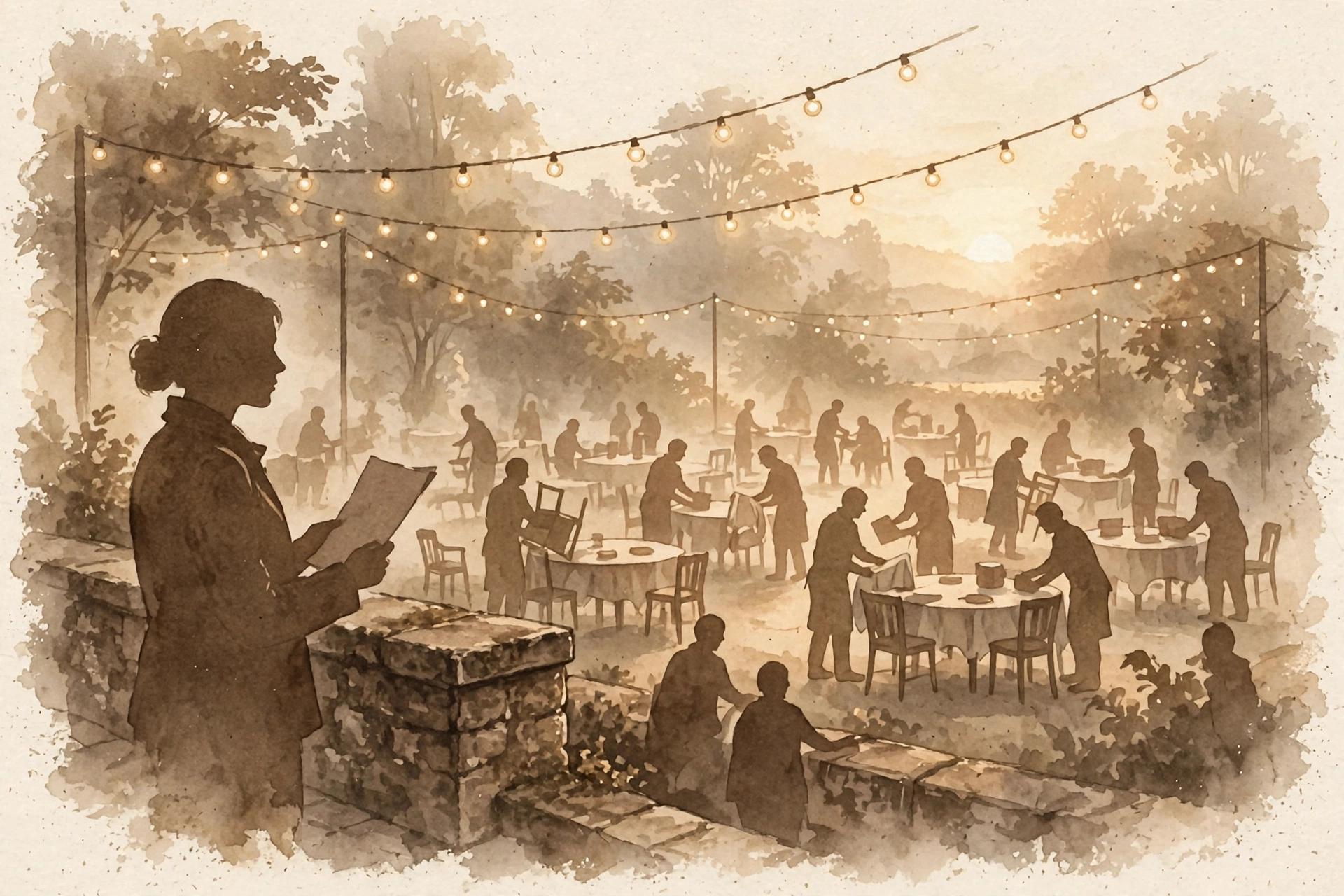
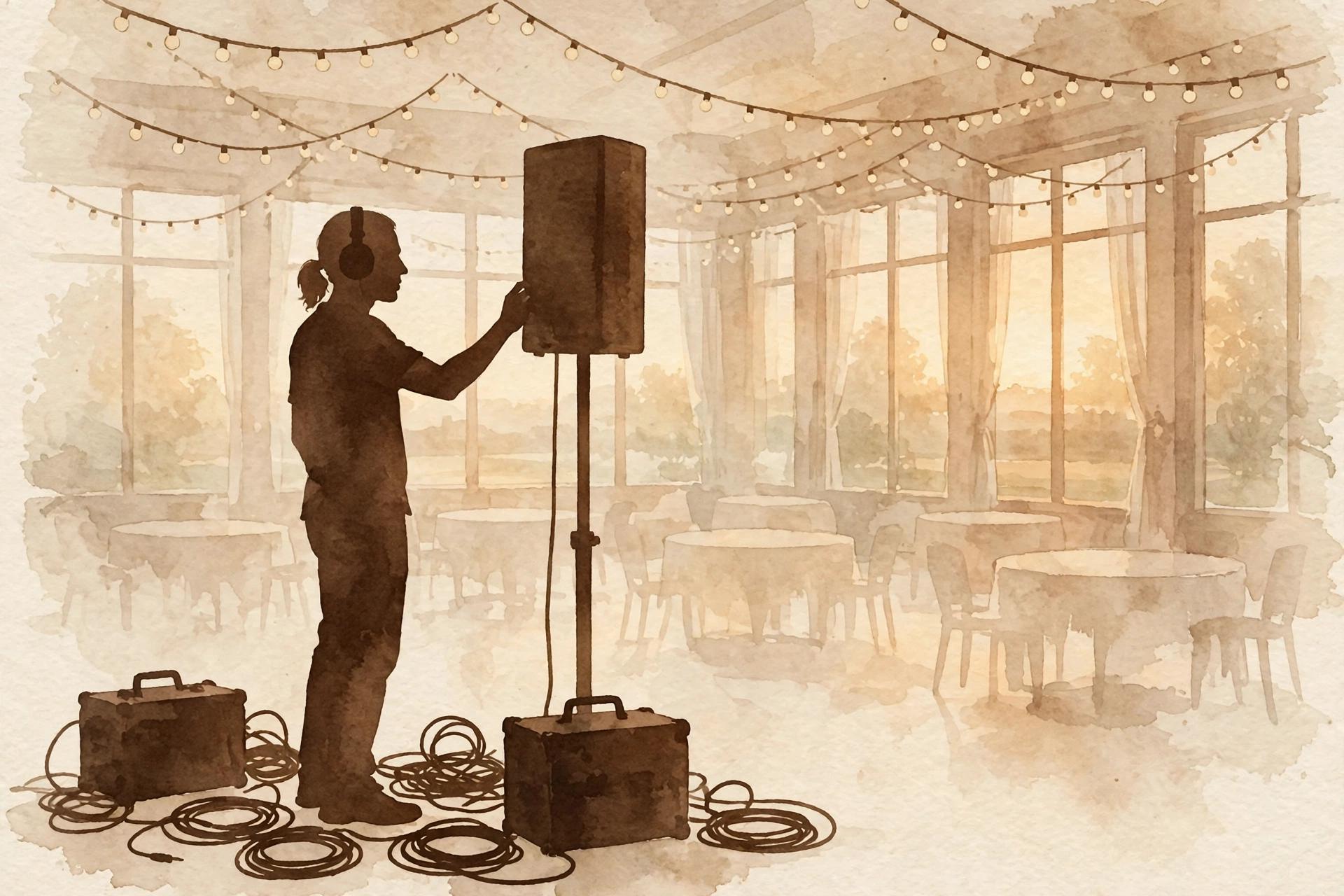
The night itself keeps moving. The run of show changes constantly, and a client changing it at 4 PM is treated as normal in the trade. Three people can call the same cue three different ways, which is why working DJs insist that one person calls cues on the night. Load-in takes 60 to 90 minutes for a standard rig, up to two hours for a large wedding setup, and teardown runs 45 to 60 minutes, all of it gated by venue access: locked service entrances, freight elevators, long carries across gravel, power on a dedicated circuit, and room-release timing while banquet staff are still resetting. A spreadsheet can hold the date. It cannot send the reply, chase the retainer, remind the couple about the form, or warn you that the timeline changed at 4 PM.
As Jason Jani, DJ and founder of SCE Event Group, put it in The Knot's cost guide, "It's about using music, technology and entertainment production to shift the emotional fabric of a wedding, making it incredibly impactful on the people who are there to celebrate." The music is the easy part to love. The admin around it is what needs the tool.
What should a CRM for wedding DJs actually do?
The five jobs are catching, booking, collecting, running and keeping. A good CRM for wedding DJs catches every inquiry no matter where it arrived. It turns a yes into a signed contract and a paid retainer. It collects the music brief while there is still time to use it. It runs the night from one timeline. And it keeps the couple informed from the inquiry until the last dance, without the DJ retyping the same details into five tools.
-
Catch every inquiry in one place. Email, Instagram DMs, a marketplace message and a text should land in the same list, with the couple's date, venue and notes attached. A Saturday worth 1,800 dollars should never depend on which phone the inquiry landed on.
-
Turn a yes into a signed contract and a paid retainer. The proposal, the contract signed from a secure link, and the retainer on a payment schedule should grow out of the inquiry, with the couple's names, date and venue typed once. The retainer holds the date, and the balance due date sits 14 to 30 days before the event, so the money is settled before load-in, not during teardown.
-
Collect the music brief on time. The must-play list, the do-not-play list, the ceremony songs, the pronunciations and the entrance order should be asked for once, in one place, with reminders that keep going until the couple answers. A DJ who gets the form two weeks out can build the night. A DJ who gets it the week of the wedding is guessing.
-
Run the night from one timeline. Load-in and sound check, ceremony music cues, the cocktail-hour playlist, the grand entrance announcement, dinner, toasts, the first dance, parent dances, the cake-cutting song, open dancing, and the last dance and send-off should sit on one run sheet, with the times and the moments the DJ drives. When the timeline changes at 4 PM, the change should reach the DJ, not sit in a thread the DJ never saw.
-
Keep the couple informed until the day. The couple should see their proposal, questionnaire, timeline and invoices in one place they can visit without emailing. The DJ should see the same event: who is coming, what was promised, what was paid, and what is still owed. A DJ who plays 40 weddings a year cannot carry 40 timelines in their head.
How does Gloam handle a DJ's inquiry to wedding day pipeline?
In Gloam, one event carries the whole pipeline: the inquiry, the booking, the contract, the payments, the music brief and the follow up all read from the same record. Each wedding is an event, and the event carries the whole job. The inquiry lands as a lead, with the couple's date, venue and notes attached, and the DJ's follow up runs from that same lead instead of from a thread in someone's inbox.
A CRM for wedding DJs earns its keep when the inquiry, the booking, the song list and the day all read from that same event, instead of from five different tools.
The timeline is where Gloam already speaks DJ. The app ships a DJ and Band Reception Flow starter template, a run sheet from sound check through last dance, with every announced moment the DJ drives: load-in and sound check, ceremony music cues, the cocktail-hour playlist, the grand entrance announcement, the dinner background set, toasts and mic handling, the first dance, parent dances, the cake-cutting song, the open dancing set, and the last dance and send-off. Start from it and adjust the times to the night, instead of building the run sheet from a blank page every Saturday.
When a couple wants to talk first, your booking page offers your weekly hours and closed dates, and bookings sync to Google Calendar with a Google Meet link. A questionnaire gathers the details that decide the night: the must-play songs, the do-not-play songs, the ceremony music, the pronunciations, the entrance order. The couple fills it in once, in their own time, in their branded client portal, and the answers feed the same event the timeline will be built from. Questionnaires take short answers, long answers, dates, and single or multiple choice answers, so a song list fits as written answers, and the couple's proposal, timeline and invoices sit beside it in the same portal.
When the couple says yes, the contract goes out for e-signature from a secure link, and Gloam keeps the signed PDF on the event. The payment schedule splits what they owe into installments with their own due dates, paid through Stripe, so the retainer and the balance never need a separate chasing tool. The event also carries a Deliverables and Files record, with a due date, a turnaround, and links to the files the couple is waiting on, and a vendors tab, so the planner, the photographer and the venue sit beside the booking instead of in a separate thread.
Automations are the part that answers at 9 PM on a Saturday. In Gloam you build them in a visual builder, and the builder is included on the free plan. An inquiry gets a warm first reply in your voice while you are playing someone else's wedding. Follow ups, questionnaire reminders and payment reminders send themselves, and a delay step can skip weekends, so a Tuesday message does not land on a Saturday. Automations can also branch, so a couple who booked and a couple who only inquired do not get the same rhythm of messages, and Glo AI drafts replies you can edit and writes content for automated emails. One limit to know plainly: an automation cannot wait for a couple's reply before its next step, so the follow up rhythm is time based, not reply based.
The follow up matters more than it sounds. WeddingPro's lead guidance recommends following up on days 1, 3, 9, 14, 20, 26 and 30, and reports couples are nearly 40 percent more likely to respond when communication is consistent and frequent. A DJ who books prime Saturdays 10 to 14 months out needs a system that keeps a couple warm across a year of waiting, and that is what the follow up rhythm is for.
What Gloam does not do yet
Gloam does not keep a music database, build playlists, take guest song requests, or export a crate to DJ software. There is no must-play or do-not-play list as a feature, only the written answers on a questionnaire. Gloam also does not track load-in logistics, keep a guest list, track a budget, or draw a seating chart, and nothing in Gloam stops two events from sharing a Saturday, so the DJ still owns the date check.
Honesty first, because a DJ buys a tool for the job it actually does. If the music library and the guest request system are the center of your week, the DJ-first tools are built for that work, and the next section prices them fairly.
What Gloam does cover is the couple relationship around the booking: the inquiry, the contract, the payments, the portal, the timeline and the follow up that keeps a couple warm across the months between inquiry and wedding. For a DJ whose week is mostly inquiries, retainers and run sheets, that is the larger share of the admin. For a DJ whose week is mostly crate digging and playlist building, it is not, and the honest choice is the tool whose center matches your week.
What do the DJ tools cost?
DJ-first tools start at 20 dollars a month, a general client tool starts at 29 dollars a month billed yearly, and Gloam starts free. The honest difference is where each tool puts its center: DJ Event Planner carries DJ work, HoneyBook carries the polished front end, and Gloam carries the wedding booking pipeline.
DJ Event Planner is the DJ-specific tool most DJs weigh first. Its pricing page, checked on November 8, 2026, lists StandAlone at 20 US dollars a month for up to 10 employees or performers with unlimited events, Premium at 35 dollars a month for up to 20, and Premium Plus at 50 dollars a month for up to 500 with enhanced support. Every plan starts with a 30 day free trial with no credit card. Its client portal is the reason DJs pick it: couples log in to a branded area to update music requests, view event details, make payments and sign documents, with a built-in music database or one the DJ uploads, a timeline the couple can view and print, and a guest request system that gives guests their own link to request songs before the event. Payments run through PayPal by default, from deposit to full payment.
HoneyBook is the general client tool many DJs adopt for the front end, and its pricing page, checked on November 8, 2026, lists Starter at 29 US dollars a month billed yearly, Essentials at 49 dollars a month billed yearly, which adds automations, a scheduler and SMS reminders, and Premium at 109 dollars a month billed yearly. Every plan starts with a 30 day free trial with no credit card, and a 60 day money back guarantee. Its strength for a DJ is polished proposals, contracts and payments at a low entry price. Its limit for a DJ is that it was not built DJ first: there is no music database, no must-play list, and no timeline with cues, and DJs who use it complain in public reviews that its automations are too limited for complex workflows.
Vibo is the planning-only option, and it is honest about what it is not: a music and timeline planning app, not a CRM. Couples pick songs per event section, set must-play, do-not-play and likes, build the timeline and answer planning questions, and the DJ exports the crate to DJ software. It pairs with a CRM rather than replacing one.
DJ Event Planner charges DJ prices because it carries DJ work: music requests, the guest request system, and the portal. HoneyBook charges generalist prices for the front end. Gloam starts free with 3 events that never expire, and its visual automation builder is on from that free plan, where HoneyBook's automations start on Essentials. Its pricing starts free, then Pro at 25 dollars a month, or 20 dollars a month billed yearly, with unlimited events and webhooks, and Studio at 40 dollars a month, or 35 dollars billed yearly, with the API, the MCP server and up to 15 team members. Try each tool against one real Saturday. The right one is the one whose center matches the work your week is actually made of.
What should a wedding DJ do next?
Pick your next booked wedding and run it in one place, end to end. Put the inquiry, the questionnaire, the signed contract, the payment schedule and the timeline on the same event, and set the deliverables due date while you are there. That single wedding will tell you more than any feature list, including this one.
Join the waitlist for Gloam and start that wedding on the free plan. Three events, no expiry, the automation builder, the portal and the deliverables record included. Less admin, more time for your craft, and more Saturdays filled by a pipeline that answers while you are playing someone else's wedding. That is what a CRM for wedding DJs should actually do.
Sources
-
The Knot, The Average Cost of Hiring a Band or DJ for Your Wedding, updated May 6, 2026 and retrieved November 8, 2026: from The Knot 2026 Real Weddings Study, 10,474 US couples married January 1 to December 31, 2025; 71 percent of couples hired a DJ and 12 percent hired a live band; the average DJ cost 1,800 US dollars, median 1,600 dollars, lower quartile 800 dollars, upper quartile 2,700 dollars; the average live band cost 4,500 dollars; price was the primary decision factor for wedding music.
-
WeddingPro, The Do's and Don'ts of Responding to Wedding Leads, updated August 31, 2026 and retrieved November 8, 2026: up to 50 percent of all bookings go to the vendor that responds first, and a couple followed up with within five minutes is nine times more likely to convert; couples are nearly 40 percent more likely to respond when communication is consistent and frequent; keep the first reply to about 150 words; follow up on days 1, 3, 9, 14, 20, 26 and 30; end with an open-ended question.
-
JN Event Entertainment, For Planners: How to Work With a DJ Who Takes Your Cues, September 5, 2026, retrieved November 8, 2026: the run of show changes constantly and a client changing it at 4 PM is normal; one person should call cues on the night; the DJ owns everything that comes out of a speaker and the microphones.
-
iDJNow, Dealing With Song Requests, updated March 11, 2025, retrieved November 8, 2026: couples hand over enormous song lists and expect all of it played; guest requests on the night must be filtered against the couple's do-not-play list.
-
KadePay, DJ booking and payments, retrieved November 8, 2026: final balances slip to the night itself; overtime agreed on the night and never paid is a recurring loss.
-
Dream House Productions, planning portal guidance, retrieved November 8, 2026: planning forms are due 2 to 3 weeks before the wedding and the portal locks 1 day before; must-play lists are capped so the couple is hiring a DJ, not a playlist.
-
Armed With Harmony, 40 Things You Should Ask Your DJ, retrieved November 8, 2026: a 50 percent non-refundable retainer holds the date, with the balance due 14 days before the event; setup needs 60 to 90 minutes and teardown about an hour; typical overtime is about 150 US dollars an hour.
-
DJ Event Planner pricing page, djeventplanner.com/pricing.php, checked November 8, 2026: StandAlone 20 US dollars a month for up to 10 employees or performers with unlimited events; Premium 35 US dollars a month for up to 20; Premium Plus 50 US dollars a month for up to 500 with enhanced support; 30 day free trial with no credit card.
-
DJ Event Planner client portal page, djeventplanner.com/client-portal.php, checked November 8, 2026: a branded client portal for music requests, event details, payments and document signing; online music requests against a built-in music database or one the DJ uploads; a timeline the couple can view and print; a guest request system with a unique link for guests; payments through PayPal by default.
-
HoneyBook pricing page, honeybook.com/pricing, checked November 8, 2026: Starter 29 US dollars a month billed yearly; Essentials 49 US dollars a month billed yearly, which adds automations, a scheduler, SMS reminders and up to 2 team members; Premium 109 US dollars a month billed yearly with unlimited team members; a 30 day free trial with no credit card; a 60 day money back guarantee.
-
Gloam app, checked November 8, 2026: the free plan that never expires with up to 3 events, 50 leads and 3 automations; plan prices, Pro 25 US dollars a month and 240 US dollars a year, Studio 40 US dollars a month and 420 US dollars a year with up to 15 team members; the DJ and Band Reception Flow starter timeline template with load-in, ceremony cues, cocktail playlist, grand entrance, toasts, first dance, parent dances, cake-cutting song, open dancing, and last dance and send-off; questionnaire answer types including text, long text, date, single and multiple choice; no music database, playlist builder, guest song requests, guest list, budget, seating chart, or date overlap check; the vendors tab on each event; team roles including assistant and accountant.
-
Gloam app and this site's pricing and frequently asked questions, checked November 8, 2026: booking pages syncing to Google Calendar with a Google Meet link; e-signed contracts with the signed PDF kept on the event; payment schedules through Stripe; the branded client portal; the timeline builder; the visual automation builder with branching, delay steps and weekend skipping; Glo AI drafts.
Frequently asked questions
Five things. It should catch every inquiry in one place, answer fast, turn a yes into a signed contract and a paid retainer, collect the music brief on time, and run the night from one timeline the couple can see. A DJ tool earns its keep when the booking, the song list, and the wedding day all read from the same event.